Selecting the right game controller is a decision that significantly impacts gameplay experience. The market offers a wide array of options, each with distinct features, compatibility, and price points. An informed choice requires understanding how specific controller attributes align with your primary gaming platforms, preferred genres, and personal ergonomic needs. This guide outlines the critical factors to evaluate, ensuring your investment enhances your gaming rather than hindering it.
Understanding Platform Compatibility
The first and most crucial step in choosing a game controller is verifying its compatibility with your intended gaming platform. Controllers are often designed with specific ecosystems in mind, and while some offer cross-platform functionality, native support typically provides the most seamless experience and full feature set.
- PC Gaming: PCs offer the broadest compatibility. Many controllers designed for consoles (Xbox, PlayStation) can connect to a PC, often requiring a USB cable, a dedicated wireless adapter, or Bluetooth. Xbox controllers generally have the most straightforward plug-and-play experience on Windows, while PlayStation controllers may require additional drivers or software for full functionality.
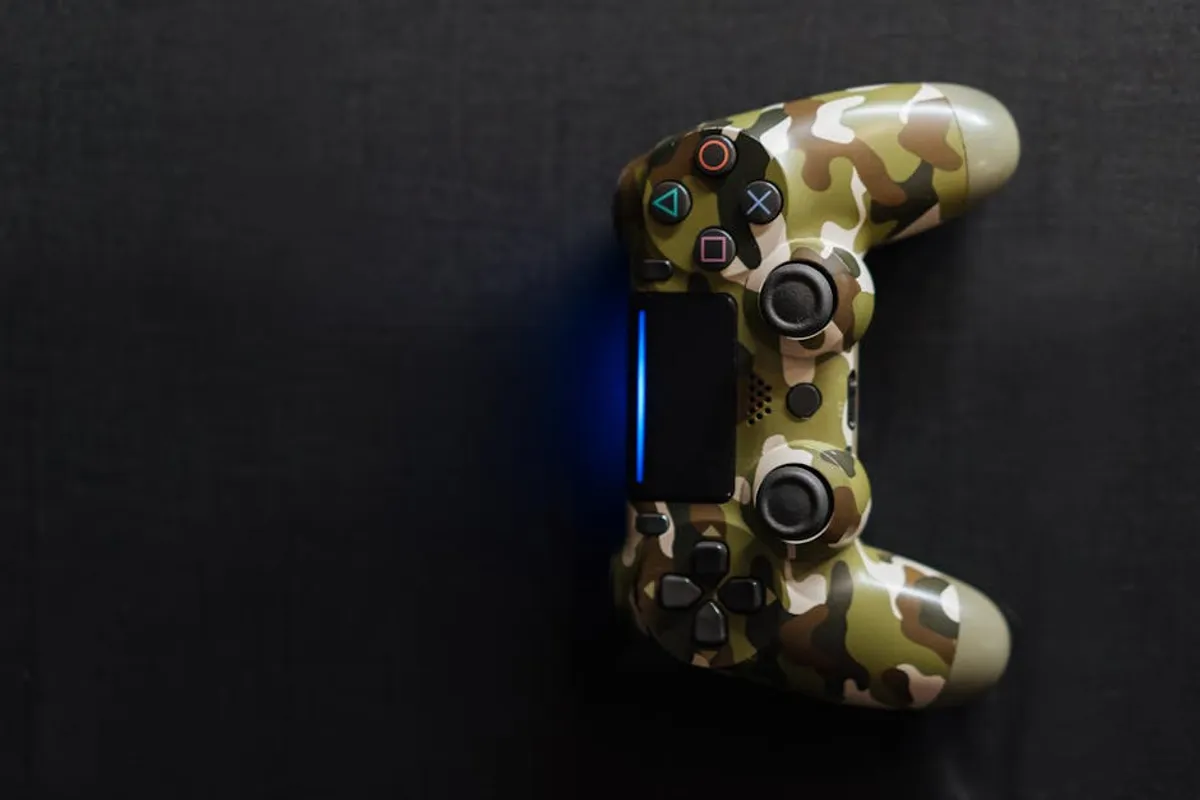
- PlayStation Consoles: PlayStation consoles (PS4, PS5) are primarily designed for their respective DualShock and DualSense controllers. While some third-party controllers exist, they may lack advanced features like haptic feedback or adaptive triggers found in first-party options.
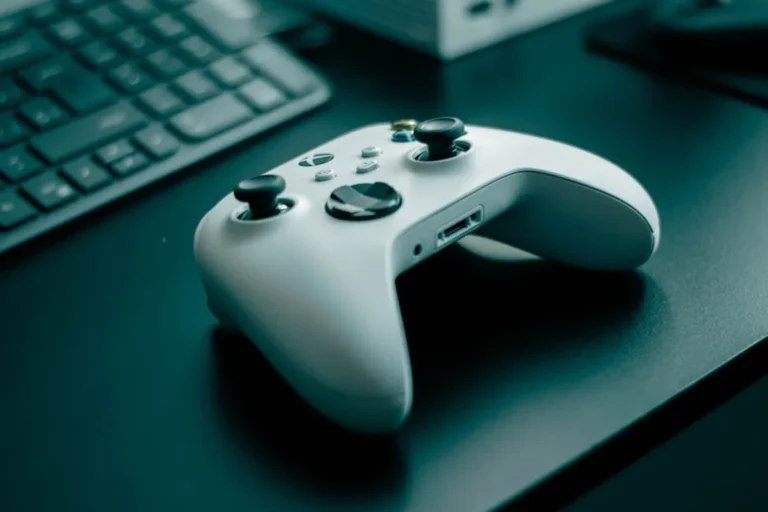
- Xbox Consoles: Xbox consoles (Xbox One, Xbox Series X|S) natively support Xbox Wireless Controllers. These controllers are renowned for their robust build and broad PC compatibility. Third-party options are available, often with specific feature sets or competitive advantages.
- Nintendo Switch: The Switch uses Joy-Cons and the Pro Controller. While third-party controllers are available, ensure they support essential features like motion controls, HD rumble, and amiibo scanning if these are important to your gameplay.
- Mobile Gaming (iOS/Android): Many modern controllers connect via Bluetooth to smartphones and tablets. Compatibility can vary, so confirm the controller supports your device's operating system and the games you intend to play.
Always check the product specifications for explicit platform support to avoid compatibility issues. Some controllers may advertise "universal" compatibility but deliver a suboptimal experience on certain systems.
Evaluating Connection Methods
Controllers primarily use wired or wireless connections, each presenting distinct advantages and disadvantages regarding latency, reliability, and convenience.
Wired Controllers
Wired controllers connect directly to the gaming device via a USB cable. This method offers the lowest input latency, making them a preferred choice for competitive gamers where milliseconds matter. They also eliminate concerns about battery life and signal interference. The primary drawback is the physical tether, limiting player distance from the screen and potentially causing cable management issues.
Wireless Controllers
Wireless controllers provide freedom of movement and a cleaner setup. They typically connect via one of two main technologies:
- 2.4 GHz Wireless: Many dedicated wireless controllers use a proprietary 2.4 GHz connection via a USB dongle. This method often offers lower latency and more stable connections than Bluetooth, making it suitable for responsive gameplay. The dongle occupies a USB port, and controllers are usually tied to that specific dongle.
- Bluetooth: Bluetooth is common for multi-device compatibility, especially with mobile, PC, and some console setups. While convenient, Bluetooth can introduce slightly higher latency and may be more susceptible to interference from other wireless devices, potentially leading to dropped connections or input lag in dense wireless environments.
Pro Tip: For competitive gaming where every millisecond counts, a wired connection or a 2.4 GHz wireless controller with a dedicated dongle is generally superior to Bluetooth due to lower input latency and greater signal stability. Always prioritize a stable connection over convenience if performance is paramount.
Ergonomics and Player Comfort
A controller's design directly impacts comfort during extended play sessions. Ergonomics are subjective, but several factors contribute to a comfortable and effective grip.
Shape and Size
Controllers come in various shapes and sizes. Some feature symmetrical stick layouts (PlayStation DualSense), while others are asymmetrical (Xbox Wireless Controller). Consider your hand size and preferred grip style. A controller that feels too small or too large can lead to hand fatigue and discomfort. Look for contours that naturally fit your palms and finger reach.
Weight and Balance
The weight of a controller, particularly wireless models with internal batteries, affects long-term comfort. A well-balanced controller distributes its weight evenly, preventing strain on wrists. Test different models if possible to assess their heft and feel.
Material and Grip
Controller surfaces can range from smooth plastic to textured grips. Rubberized or textured surfaces enhance grip, especially during intense moments when hands might become sweaty. Button and trigger materials also contribute to the overall tactile experience; some prefer clicky buttons, others a softer press.
Key Input Types and Features
Beyond basic buttons, modern controllers integrate various input methods and advanced features that can enhance gameplay.
Joysticks and D-Pads
Analog sticks are crucial for movement and camera control. Look for smooth, precise movement and minimal dead zones. The D-pad (directional pad) is vital for fighting games and precision input. Some D-pads pivot, while others have individual buttons; preference varies based on genre and player style.
Triggers and Bumpers
Triggers (L2/R2, LT/RT) are typically analog, offering variable input for acceleration or weapon firing. Adaptive triggers, like those on the DualSense, provide resistance based on in-game actions, adding immersion. Bumpers (L1/R1, LB/RB) are digital buttons often used for quick actions or menu navigation.
Additional Buttons and Paddles
Many controllers, especially "pro" or competitive models, include extra programmable buttons or paddles on the underside. These allow players to map common actions, keeping thumbs on the analog sticks for continuous control, which is a significant advantage in fast-paced games.
Haptic Feedback and Gyro Controls
Advanced haptic feedback (e.g., DualSense's nuanced vibrations) provides more detailed physical sensations than traditional rumble. Gyro controls, common in Switch and PlayStation controllers, allow for motion-based aiming or input, offering an alternative control scheme for certain games.
Battery Life and Charging
For wireless controllers, battery life is a practical consideration. Most use internal rechargeable batteries or replaceable AA/AAA batteries.
Controllers with internal batteries typically charge via USB-C or Micro-USB. Look for models with at least 15-20 hours of battery life for uninterrupted sessions. Some offer quick charging or the ability to play while charging. Controllers using replaceable batteries offer the flexibility to swap out depleted cells for fresh ones instantly, avoiding downtime, but incur ongoing battery costs.
Durability and Build Quality
A controller is an investment, and its durability directly impacts its lifespan. Common failure points include stick drift (inaccurate input from analog sticks), worn-out buttons, and loose ports.
Assess the build materials; higher-quality plastics and robust internal components generally indicate better longevity. Read reviews focusing on long-term reliability. Controllers from reputable manufacturers often come with better quality control and warranty support, which can be valuable if issues arise.
Considering Advanced Features
Beyond the core functionality, some controllers offer features that cater to specific needs or enhance the overall experience.
- Modular Components: Some controllers allow for interchangeable joysticks, D-pads, or even outer shells. This enables customization for different game types or personal preferences and can extend the controller's life by allowing replacement of worn parts.
- Software Customization: Many premium controllers come with companion software that allows for button remapping, sensitivity adjustments, dead zone calibration, and custom profiles for different games. This level of personalization can significantly improve performance and comfort.
- Audio Jacks: A 3.5mm audio jack on the controller allows for direct headset connection, providing convenient in-game audio and chat without running cables to the console or PC.
Budgeting Your Controller Purchase
Controller prices vary widely, from budget-friendly options under $30 to premium "pro" controllers exceeding $150. Your budget should align with your specific needs and expected usage.
Entry-level controllers often provide basic functionality and compatibility. Mid-range options (typically $50-$70) balance features, build quality, and comfort. Premium controllers (over $100) are for enthusiasts or competitive players seeking advanced customization, superior durability, and cutting-edge features like back paddles, modularity, and enhanced haptics. Investing in a higher-quality controller often translates to better ergonomics, precision, and longevity, reducing the need for frequent replacements.
Making Your Final Selection
The ideal game controller is a personal choice, shaped by your gaming habits and preferences. Prioritize platform compatibility and connection type first, as these are non-negotiable. Next, evaluate ergonomics and comfort, considering how the controller feels in your hands during extended play. Finally, weigh the importance of advanced features against your budget and the specific demands of the games you play. By systematically assessing these factors, you can make a well-informed decision that enhances your gaming experience for years to come.
Frequently Asked Questions
What is "stick drift" and how can I avoid it?
Stick drift occurs when the analog sticks register input even when not being touched, causing unintended movement. It's often due to wear and tear or manufacturing defects. While not entirely avoidable, buying controllers from reputable brands with good warranties and handling your controller carefully can reduce the risk. Some premium controllers offer replaceable stick modules to mitigate this issue.
Are third-party controllers as good as first-party ones?
The quality of third-party controllers varies significantly. Some licensed third-party controllers offer excellent alternatives with unique features or ergonomic designs that might surpass first-party options for specific users. Others are budget-focused and may compromise on build quality, input precision, or feature sets. Always research reviews for specific third-party models before purchasing.
Should I prioritize wired or wireless for competitive gaming?
For competitive gaming, a wired connection provides the lowest possible input latency and eliminates the risk of wireless interference or battery depletion during critical moments. If wireless is preferred for convenience, a 2.4 GHz wireless connection with a dedicated dongle is generally recommended over Bluetooth for its superior stability and lower latency.